

Prerequisites — before you start:
- Admin access to your Cloudbeds account (only admins can manage API credentials and integrations).
- An active Journey Rewards alliance partner account (on hxp.journey.com). Sign up or reach out to your Journey Alliance specialist if you need help.
- You can connect Cloudbeds from within the Journey HXP directly from the integrations section under Settings > Integrations > Cloudbeds OR from the marketplace inside Cloudbeds.
Overview
Connecting Journey Rewards to your Cloudbeds PMS lets you sync reservations and guest profiles automatically so you can recognize loyal guests and power direct‑booking rewards with zero manual effort. Journey can issue loyalty rewards based on eligible spend, enrich guest profiles, provide suggested actions to improve your business, and push guest details to enrich your guest profiles inside Cloudbeds. The Journey+Cloudbeds integration provides a few key functions:- Syncing of Guest+Folio/Reservation data for issuing of loyalty rewards/benefits
- Ability for guests to pay with points (when enabled in your agreement)
- AI Guest Insights and Actions for every guest and reservation
- Bi-Directional syncing of guest notes and reservation notes (where possible)
- COMING SOON: Bookings placed directly in your PMS when generated on Journey surface areas or through our VIP concierge.
- Connecting from Cloudbed Marketplace
- HXP Cloudbeds Connection
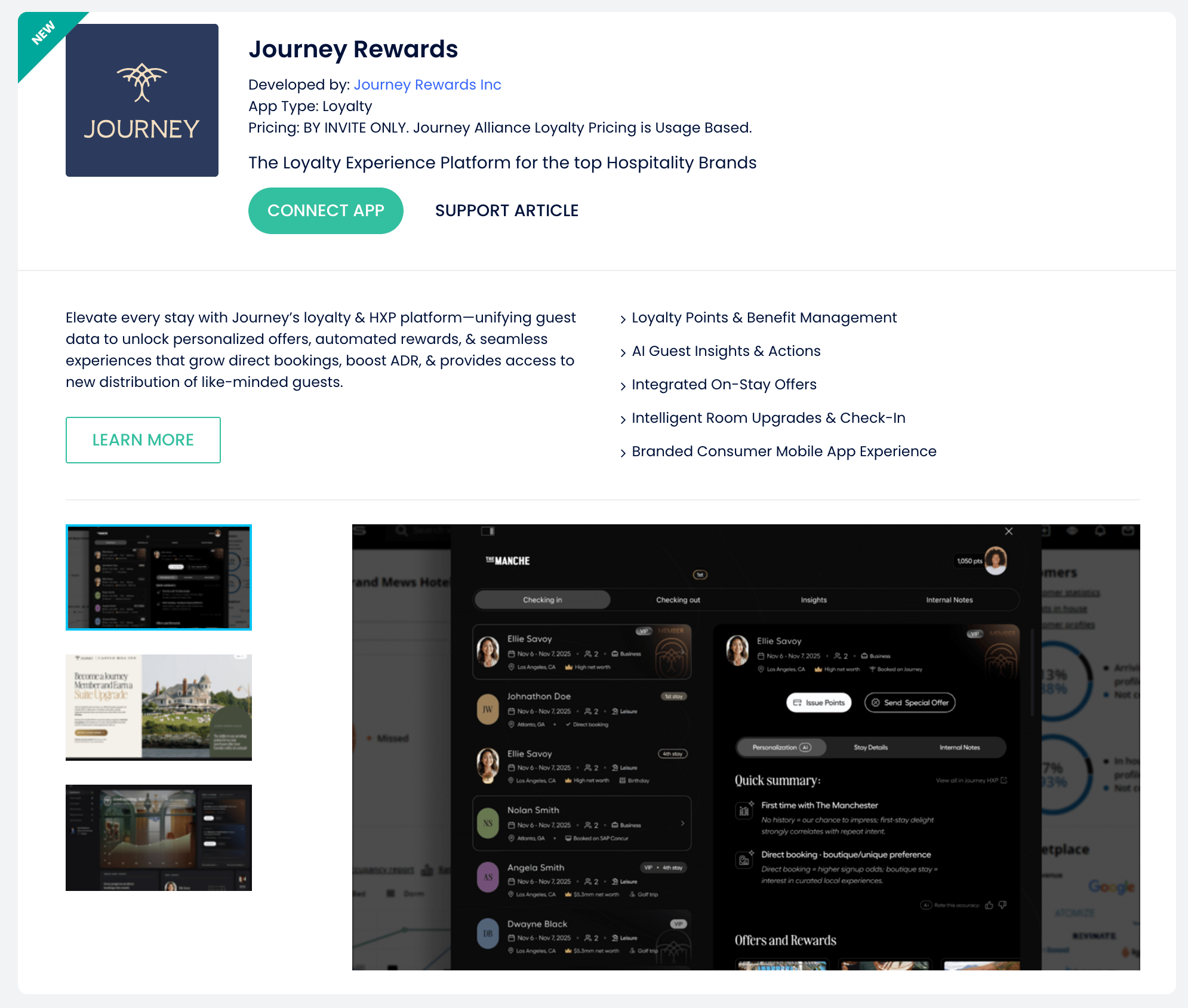
- In Cloudbeds, go to Apps & Marketplace → Journey Rewards App
- Click “Connect App”
- Click “Allow Access”
- Your Journey Alliance Onboarding Team will be notified of your connection and provide details on next steps.
Next steps
- Invite staff to Journey so front‑desk and revenue teams can view guest loyalty profiles.
- Set Up Rate Plans for Members and Points Redemptions
- Configure Custom Benefits and Offers (e.g., bonus points for direct bookings).
- Promote loyalty on your booking engine and confirmation emails.
Disconnecting Cloudbeds PMS
In the event you need to disconnect Journey from your Cloudbeds PMS instance, you can follow the directions at this link. Note that this will stop all new points/loyalty issuance to guests.Any data that the app received before you removed access will still be present in the app (E.g., reservation details, guest info, etc.). To remove that data on the app and/or delete the account you have with Journey, you will need to contact the alliance@journey.com support team directly. Your Guest and business data is deleted per the agreement on termination of your inclusion in the Alliance. Any transactional guest data tied to a member remains tied to that member, while private notes or details are deleted.