Prerequisites — before you start:
- An active Journey Rewards partner account. Sign up or reach out to your Journey CSM if you need help.
- See the instructions below for how to generate API keys for the Journey Rewards team to access your property management system.
Overview
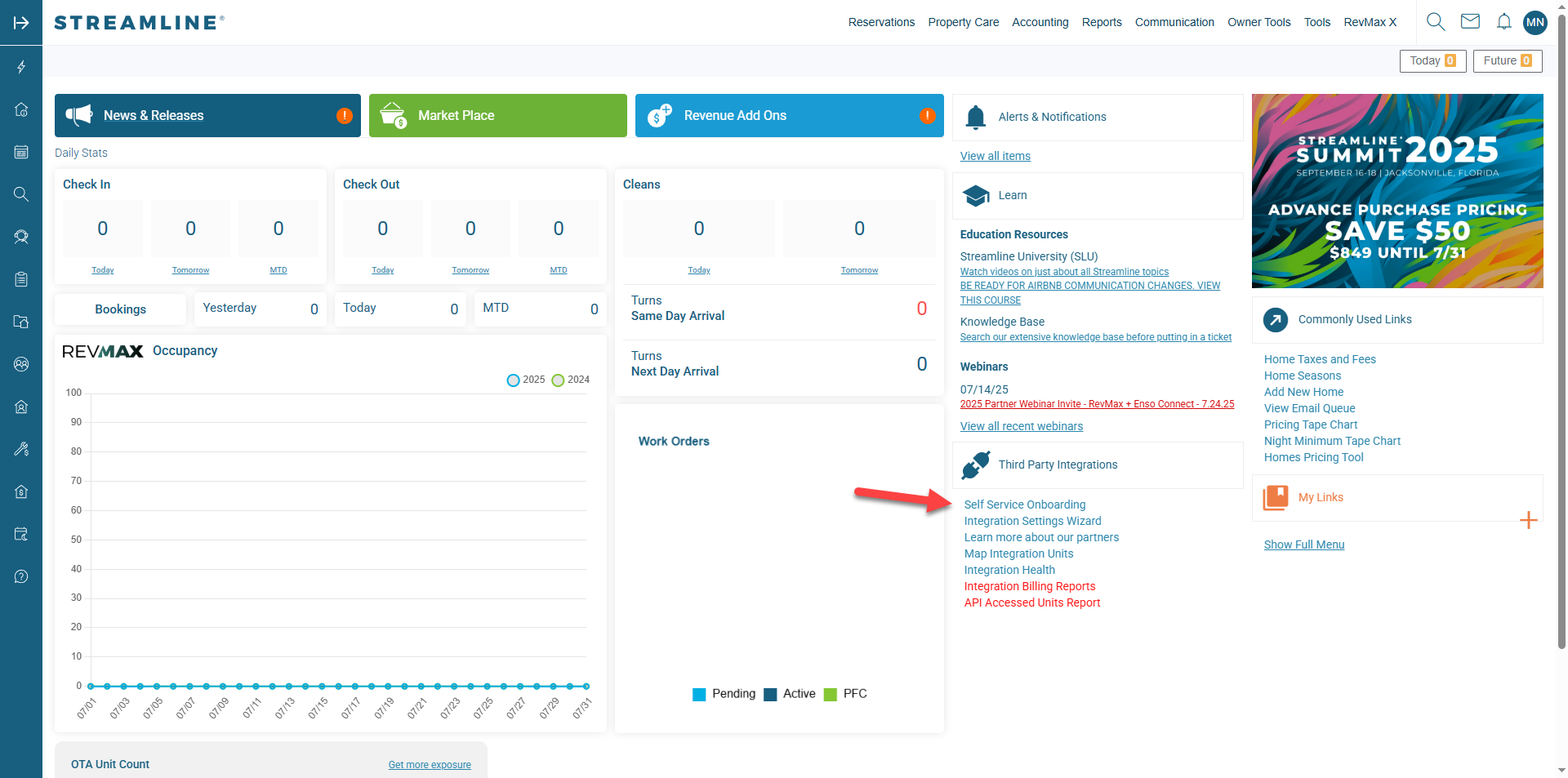
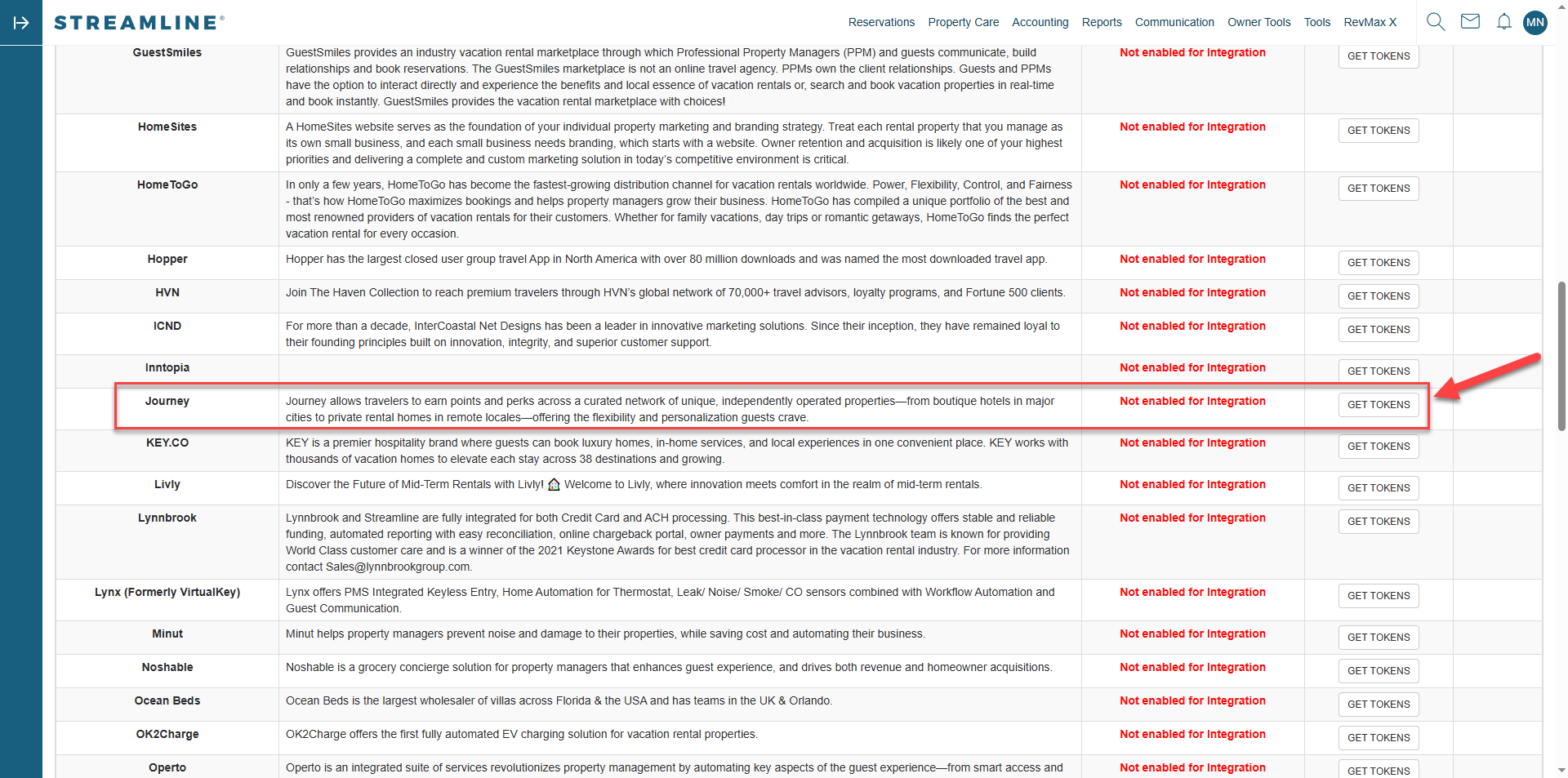
Connecting Journey Rewards to your Streamline PMS enables seamless syncing of reservation data and guest profiles. This integration powers automated loyalty recognition, personalized experiences, and point-earning mechanics for your guests—all without manual updates.- Log in to your Streamline Admin Dashboard.
- From the left-hand navigation, go to:
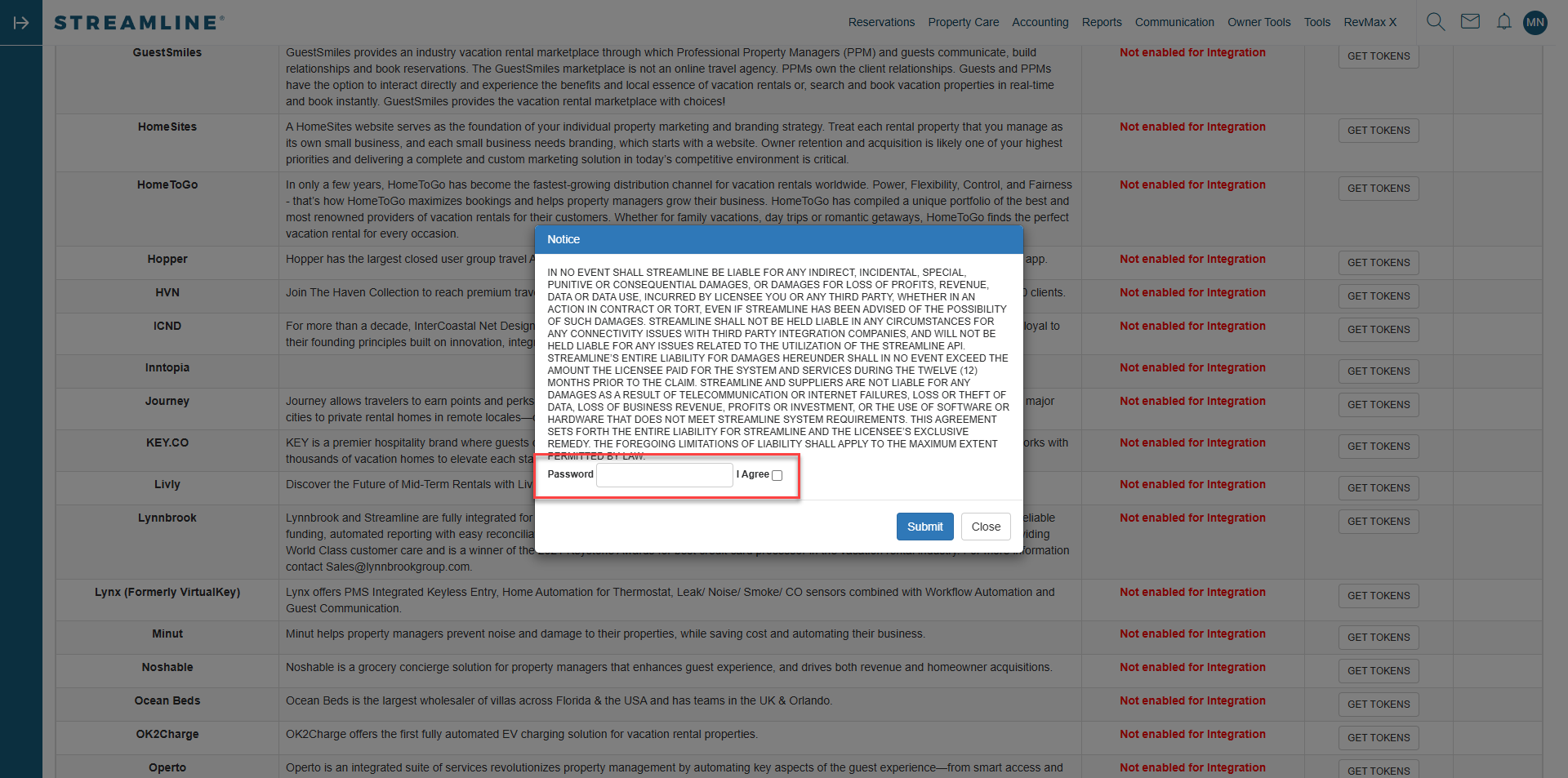
System Configuration → Developers → API Management. - Under API Credentials, click Generate New Token.
- Provide a recognizable Application Name (e.g., Journey Rewards Integration).
- Set appropriate permissions:
- Read access to Guests, Reservations, Properties, and Rates
- Write access is not required
- Once the key is generated, copy the:
- Client ID
- Client Secret
- Base API URL (if available)
- Send this information to Journey using this secure form.
Next steps
- Invite staff to Journey so front‑desk and revenue teams can view guest loyalty profiles.
- Configure Campaigns and Offers (e.g., bonus points for direct bookings).
- Promote loyalty on your booking engine and confirmation emails.